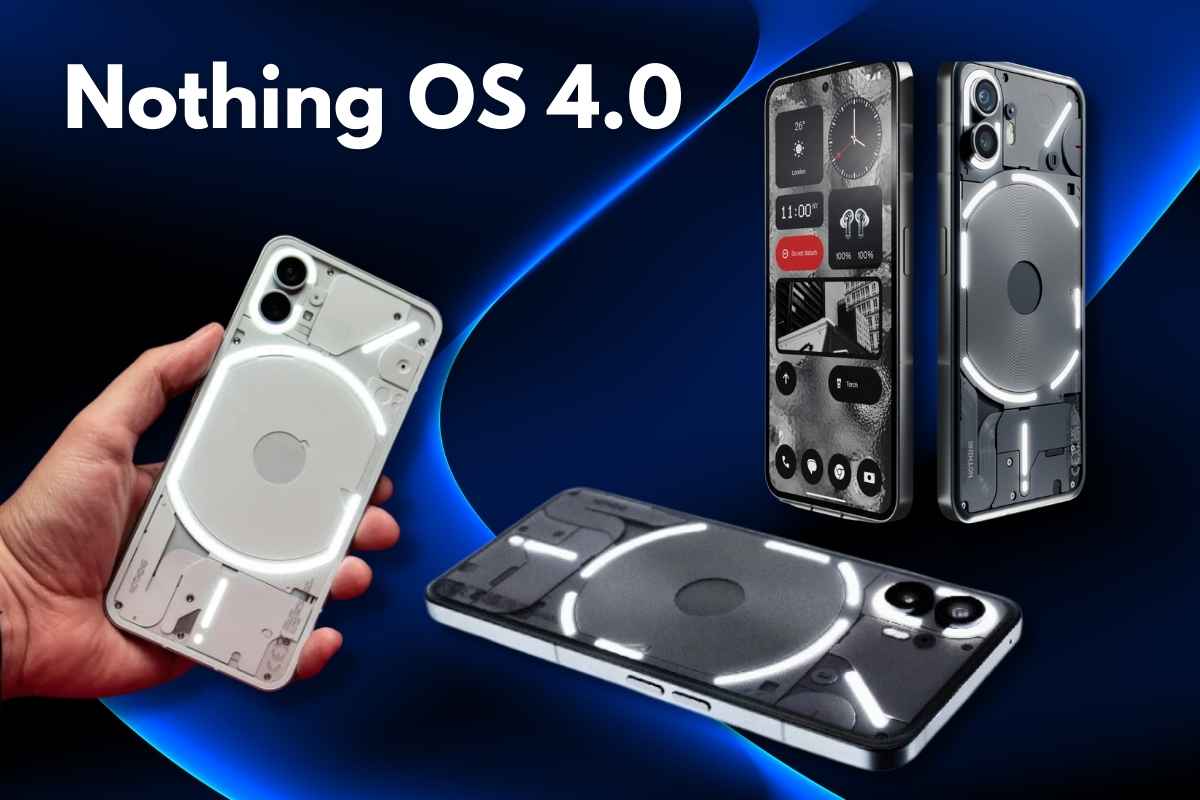
Nothing has officially started rolling out Nothing OS 4.0 Update, its biggest software update yet — powered by Android 16. This update focuses on speed, visuals, smooth interactions, creativity tools, and transparency in AI features. It strengthens the foundation built by OS 3.0 and delivers a cleaner, faster, and more consistent experience across the entire system.
Key Highlights of Nothing OS 4.0
- Based on Android 16
- Faster animations & improved UI performance
- New minimalist icons and refreshed status bar
- Updated lock screen clocks
- Advanced multitasking with Dual Windows
- Extra Dark Mode
- App hiding feature
- New Glyph progress features
- Playground + AI widget creation
- Transparency in AI usage
- Exclusive features for Nothing Phone (3)
- Rollout starts today for Phone (3)
Nothing OS 4.0: A Faster, More Fluid Experience
Nothing says OS 4.0 is built for the flow state — a mode where the phone feels effortless. Every interaction, animation, and visual has been refined to remove friction and make the experience cleaner and faster.
Visuals & Interaction Improvements
1. Refreshed Icon Design
- All first-party app icons now have a minimalist, modern look.
- Icons feel balanced and easier to scan.
2. Updated Status Bar Icons
- New Wi-Fi, battery, and network indicator styles inspired by Android 16.
- Clearer and more consistent, reducing visual noise.
3. New Lock Screen Clock Styles
- Two fresh, futuristic clock designs.
- Bold fonts and clean layouts match Nothing’s signature design.
4. Smoother Animations
- Notification Shade, gestures, and app transitions feel more tactile and responsive.
- Natural weight and momentum make navigation feel fluid.
5. Haptic Feedback at Volume Limits
- Subtle vibration when you reach max/min volume.
- Lets you adjust sound without checking the screen.
Functional Improvements: Stay Focused & Efficient
1. Glyph Progress (Android 16 Powered)
- Live updates for rides, deliveries, and timers directly on the screen + Glyph lights.
- No longer limited to specific apps — broader support is coming.
2. Improved Pop-up View with Dual Windows
- Run two floating apps simultaneously.
- Easy gestures allow quick switching between apps.
- Best for multitasking: maps + messaging, browsing + notes, etc.
3. Extra Dark Mode
- Deeper blacks
- Better contrast
- Lower battery consumption
- Designed for late-night use and eye comfort.
4. Hidden Icons
- Hide any app from the App Drawer without moving it to Private Space.
- Keeps your layout clean while keeping apps accessible.
5. More Widget Sizes
- New 1×1 and 2×1 widgets for Weather, Pedometer, and Screen Time.
- Allows better home screen customisation.
6. System & App Optimisation Dashboard
- Shows background-running apps
- One-tap optimisation
- Helps keep the device fast and battery efficient.
7. Universal Search Filters
- Get faster, more accurate search results.
- Ideal for users with many apps or files.
Creativity Tools: The Playground
Nothing calls this the biggest leap in Nothing OS history.
1. Essential Apps (Playground)
- Create your own widgets by chatting with AI.
- No coding — AI builds widgets instantly based on your idea.
2. Widget Drawer
- Stores all your widgets (default + AI-made + community-created).
- Easy to organise, edit, replace, or share.
Your phone essentially becomes a customisable creative canvas.
Privacy & AI Transparency
1. AI Status Hints
- A small indicator appears in the status bar whenever an AI model is active.
- Ensures full transparency.
2. AI Usage Dashboard
- Shows when, where, and how often AI features were used.
- You get full control over permissions and activity.
Phone (3) Exclusive Features
Nothing OS 4.0 unlocks special features for Nothing Phone (3) users:
1. Glyph Mirror Selfie
- Capture a Matrix-style reflection using the Glyph lights.
- Saves instantly to Gallery.
2. Smarter Flip to Glyph
- When placed face-down, choose Silent or Vibrate mode.
- Perfect for meetings or focus time.
3. Pocket Mode
- Glyph Matrix automatically turns off inside your pocket
- Saves battery and avoids accidental triggers.
4. New Glyph Toys
- Hourglass — track time visually
- Lunar Cycle — see the current moon position in real-time
Essential Memory: Your Phone’s Second Brain
This feature arrives in the next Essential Space update.
How It Works:
- Anything you save in Essential Space becomes a retrievable memory.
- Ask naturally, and the phone recalls it.
Example:
You save a design fair poster and tag “April events”.
Later you ask: “What’s happening next month?”
→ It brings the poster up instantly.
This combines:
- Space (where you saved it)
- Memory (what it understands)
- Search (how it retrieves it)
A fully intelligent organisation system.
Nothing OS 4.0 Update Rollout Timeline
- Today: Nothing Phone (3)
- Next few weeks: Other Nothing phones
- By end of the year: CMF phones
- Early next year: Phone (3a) Lite
Conclusion: Should You Update to Nothing OS 4.0?
Nothing OS 4.0 is a major stability and quality-of-life upgrade that refines almost every part of the UI. It improves speed, animations, multitasking, privacy controls, and customisation. Creative users get a huge boost with the new Playground and AI-powered widget builder. Glyph users also receive meaningful upgrades.
Read also: Realme GT 8 Pro Dream Edition Review: The Ultimate Snapdragon 8 Elite Flagship
Xiaomi HyperOS 3 Rollout: Find Eligible Devices and Full Update Details
FAQs About Nothing OS 4.0 Update
1. Which phones are getting Nothing OS 4.0?
- Phone (3) first
- Other Nothing phones in coming weeks
- CMF phones by year-end
- Phone (3a) Lite early next year
2. Is Nothing OS 4.0 based on Android 16?
Yes. It brings Android 16’s stability, security, and performance improvements.
3. What is Glyph Progress?
It shows live progress for rides, timers, and deliveries on the screen + Glyph Interface.
4. What is Playground in Nothing OS 4.0?
A creative space where you can build widgets using AI, no coding needed.
5. Does this update improve speed?
Yes. Animations, transitions, background app management, and system optimisation have all been improved.
6. Are there any exclusive features for Phone (3)?
Yes — Glyph Mirror Selfie, Flip to Glyph modes, Pocket Mode, and two new Glyph Toys.