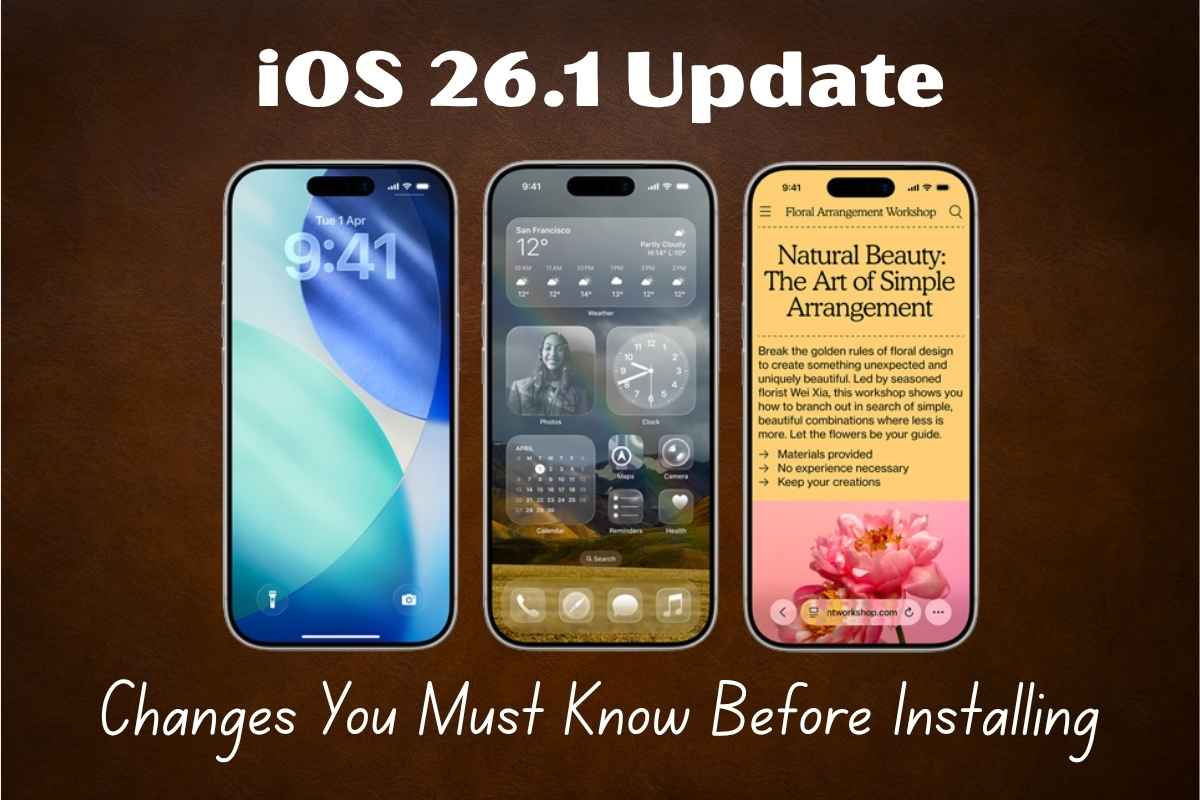
Apple is ready to roll out iOS 26.1 Update next week, bringing subtle yet powerful improvements to your iPhone. While this update doesn’t introduce flashy new features, it focuses on personalization, usability, and performance — refining how your iPhone looks, feels, and responds.
Here’s everything you need to know about iOS 26.1, from new Liquid Glass design controls to smarter Apple Intelligence languages, Apple Music gestures, and more.
What’s New in iOS 26.1
Liquid Glass Transparency Control
The most noticeable change in iOS 26.1 is the addition of a Liquid Glass toggle. First introduced with iOS 26, this design gave iPhones a sleek, glass-like interface — but some users found it too transparent.
Now, Apple gives you the power to choose between “Clear” and “Tinted” modes under Settings > Display & Brightness. This allows better readability and personalization, especially in bright environments.
Lock Screen Camera Swipe Can Be Disabled
One of the most requested features is finally here. You can now turn off the swipe-to-open camera gesture on the lock screen.
Found under Settings > Camera > Lock Screen Swipe to Open Camera, this feature prevents the camera from opening accidentally when you swipe, solving a long-standing frustration for iPhone users.
Haptic Feedback Control for Calls
If you dislike the subtle vibration when a call connects or disconnects, you’ll love this update. iOS 26.1 lets you disable haptic feedback for calls, giving you a quieter and smoother experience.
Redesigned Alarm Interface
Say goodbye to accidentally turning off your alarm!
Apple has changed how alarms work — now you’ll swipe to stop alarms instead of tapping, reducing the chances of oversleeping.
This small tweak is designed to make waking up easier and more reliable.
Apple Intelligence Expands to More Languages
Apple’s AI system, Apple Intelligence, is going global. With iOS 26.1, Apple adds support for eight new languages, including:
- Danish
- Dutch
- Norwegian
- Portuguese (Portugal)
- Swedish
- Turkish
- Chinese (Traditional)
- Vietnamese
Additionally, the AirPods Live Translation feature now supports Japanese, Korean, Italian, and Chinese (Simplified & Traditional) — making real-time conversations even more accessible.
This is a major step in Apple’s mission to make AI-powered experiences multilingual and inclusive.
Apple Music, Fitness, and Apple TV Get Smarter
Apple Music Swipe Gestures
You can now swipe left or right on the MiniPlayer to skip or replay tracks instantly — no more small button tapping. This makes music playback feel smoother and more intuitive.
Apple Fitness Custom Workouts
The Fitness app now allows you to create custom workout plans — selecting the workout type, duration, start time, calories, and effort level.
It’s a personalized fitness experience designed to help users reach their goals efficiently.
Apple TV App Redesign
The Apple TV app has a new, colorful icon and a simplified name. This visual refresh matches Apple’s modern design trend introduced with the Liquid Glass interface.
Photos and Safari Improvements
Smoother Navigation in Photos
Apple has revamped the Photos app with a frosted navigation bar and an improved video scrubber for easier scrolling through videos.
When you select multiple photos, you’ll now find options like Play as Slideshow, Favorite, and Hide at the top — making photo management much faster.
Safari’s New Look
Safari’s tab bar is now wider and more rounded, offering a cleaner and modern browsing experience. Small details like this make your iPhone’s interface look softer and more visually consistent.
Under-the-Hood Enhancements
iOS 26.1 also includes:
- Bug fixes for display and lock screen issues seen in iOS 26.
- Performance optimizations for smoother animations and fewer crashes.
- New developer frameworks, including:
- AppMigrationKit – allows developers to make it easier to transfer app data when switching from iPhone to Android.
- PhotoKit – lets third-party apps back up photos in the background without needing to stay open.
iOS 26.1 Release Date and Compatibility
According to MacRumors and Tom’s Guide, the public release of iOS 26.1 is expected next week (mid-November 2025).
You can try the Release Candidate (RC) if you’re a beta tester, but Apple recommends waiting for the stable version for best performance.
iOS 26.1 Compatible iPhones:
- iPhone 17, 17 Pro, 17 Pro Max, 17 Air
- iPhone 16 series
- iPhone 15 series
- iPhone 14 series
- iPhone 13 series
- iPhone 12 series
- iPhone 11 series
- iPhone SE (2nd Gen and later)
Conclusion: A Smarter, More Polished iPhone Experience
The iOS 26.1 update may not be revolutionary, but it’s full of quality-of-life upgrades that make daily iPhone use more personal, comfortable, and fluid.
From Liquid Glass customization to expanded Apple Intelligence languages, Music gestures, and Alarm tweaks, Apple proves it’s listening to user feedback.
If you want your iPhone to run better, look fresher, and feel smarter — iOS 26.1 is a must-download when it drops next week.
Read more: vivo X300 and X300 Pro Review: Outstanding Photography with 200MP ZEISS Camera
iQOO 15 Officially Revealed with Snapdragon 8 Elite Gen 5, 7,000mAh Battery, and Major Gaming Upgrades
FAQs About iOS 26.1
1. When will iOS 26.1 be released?
Apple is expected to release iOS 26.1 next week, likely around November 10–12, 2025.
2. Can I download iOS 26.1 now?
Beta testers can access the iOS 26.1 Release Candidate, but others should wait for the stable rollout for a smoother experience.
3. What are the top new features of iOS 26.1?
Major highlights include:
- Liquid Glass transparency toggle
- Lock screen camera swipe disable
- Custom workout plans in Fitness
- Expanded Apple Intelligence languages
- Swipe gestures in Apple Music
- Redesigned Photos and Safari
4. Which iPhones support iOS 26.1?
All models from iPhone 11 series and newer, including iPhone SE (2nd gen and above).
5. Does iOS 26.1 fix previous bugs?
Yes, Apple has fixed display, lock screen, and performance issues reported after iOS 26’s release